My team and I created the IUPC 2025 contest for Northern University of Business and Technology Khulna (NUBTK). The contest is now live on Codeforces Gym.
The development and problem-setting process were managed through the following repositories:
My team and I created the IUPC 2025 contest for Northern University of Business and Technology Khulna (NUBTK). The contest is now live on Codeforces Gym.
The development and problem-setting process were managed through the following repositories:
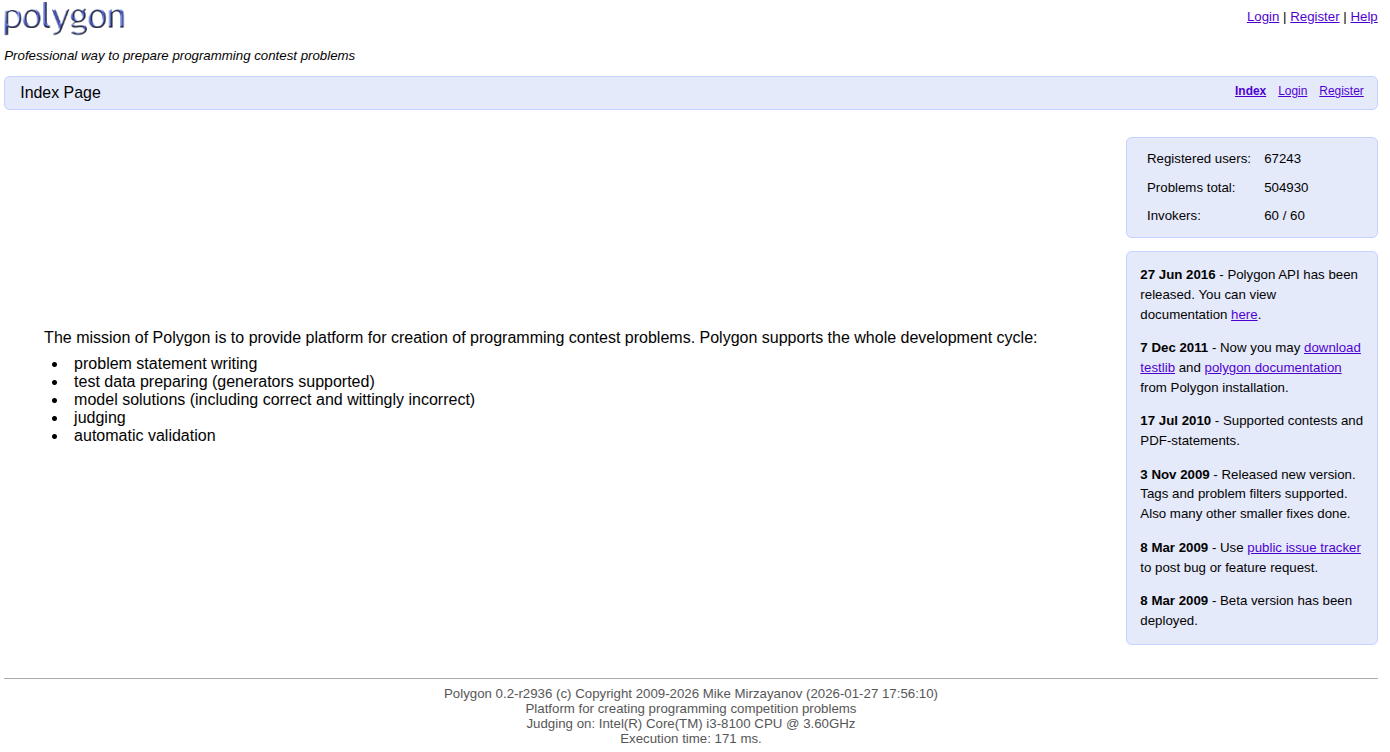
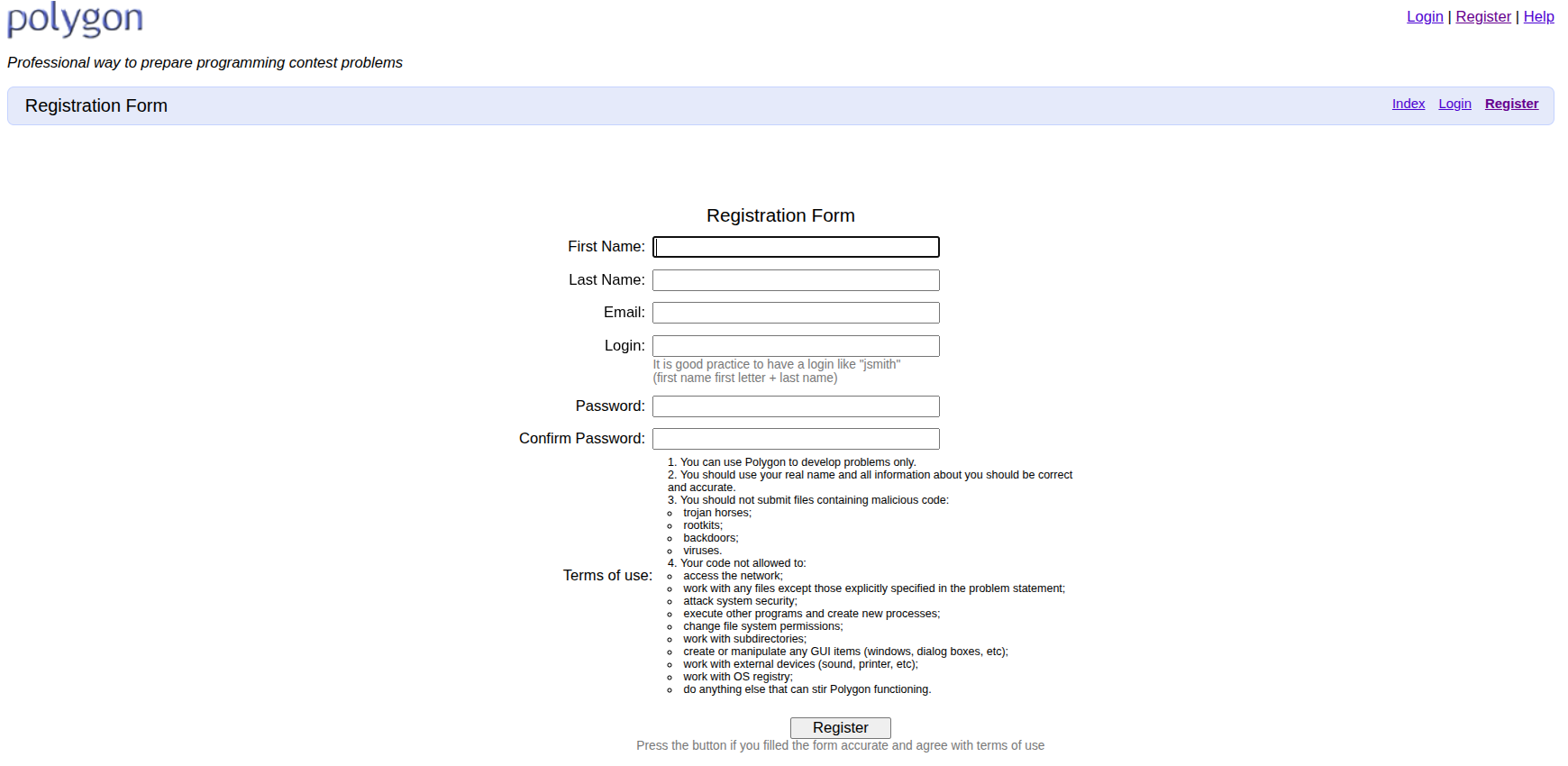
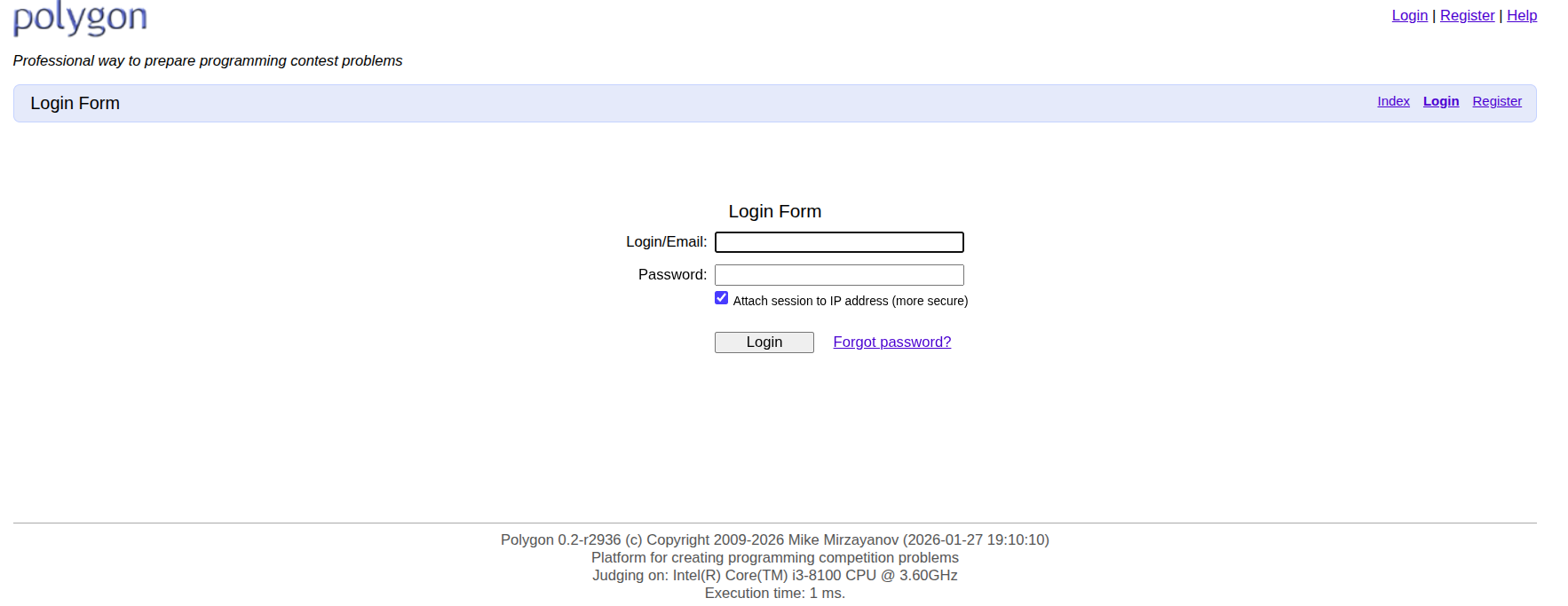
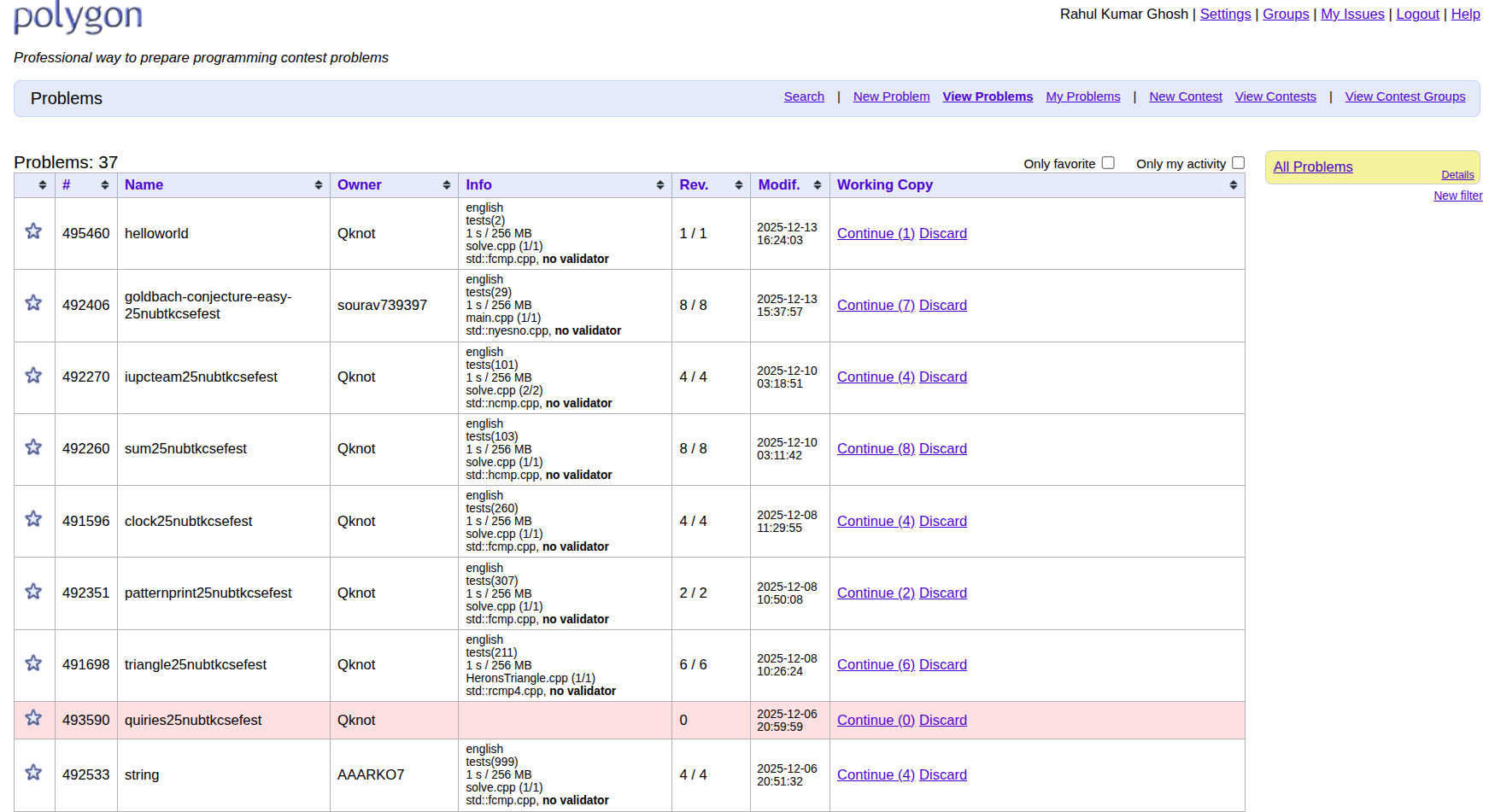
First we need to create a account in codeforces polygon. Then we have to create a polygon account. After registration we need to login in polygon account. After login we will see a profile page like this. Now we can create a New Problem.
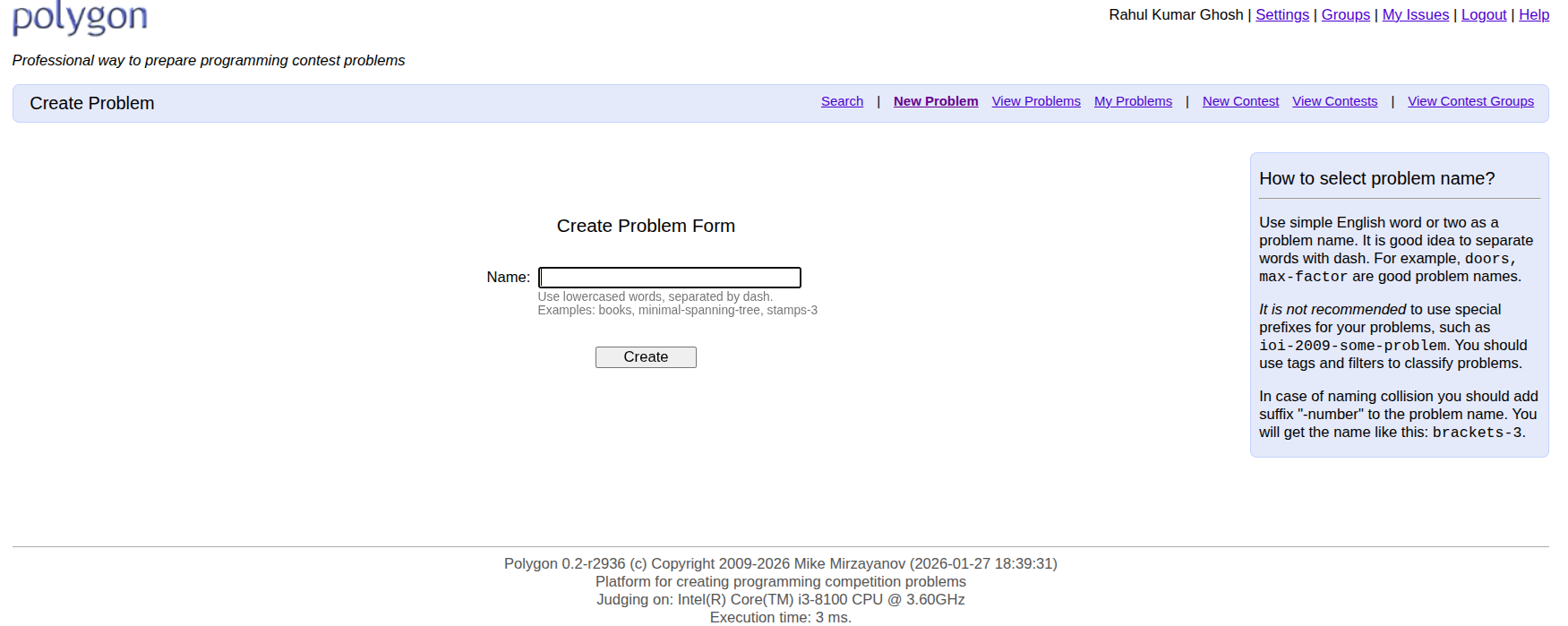
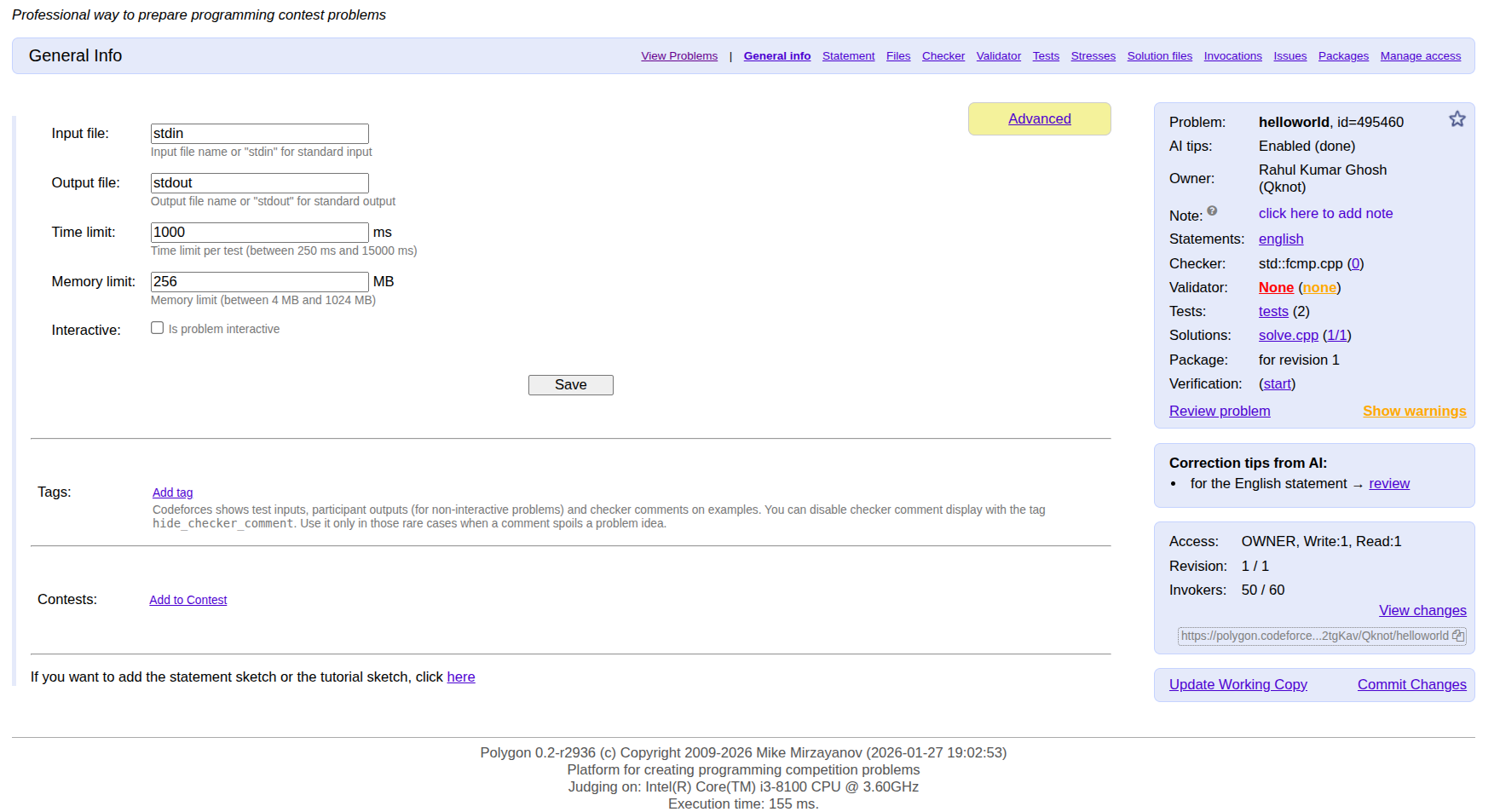
Name the problem using lowercase letters and no spaces. In the general information section, you must specify the input file, output file, time limit, and memory limit. If the problem is interactive, mark the interactive checkbox, add the problem tags, and then save the information. You can also add a contest name and a tutorial sketch if needed.
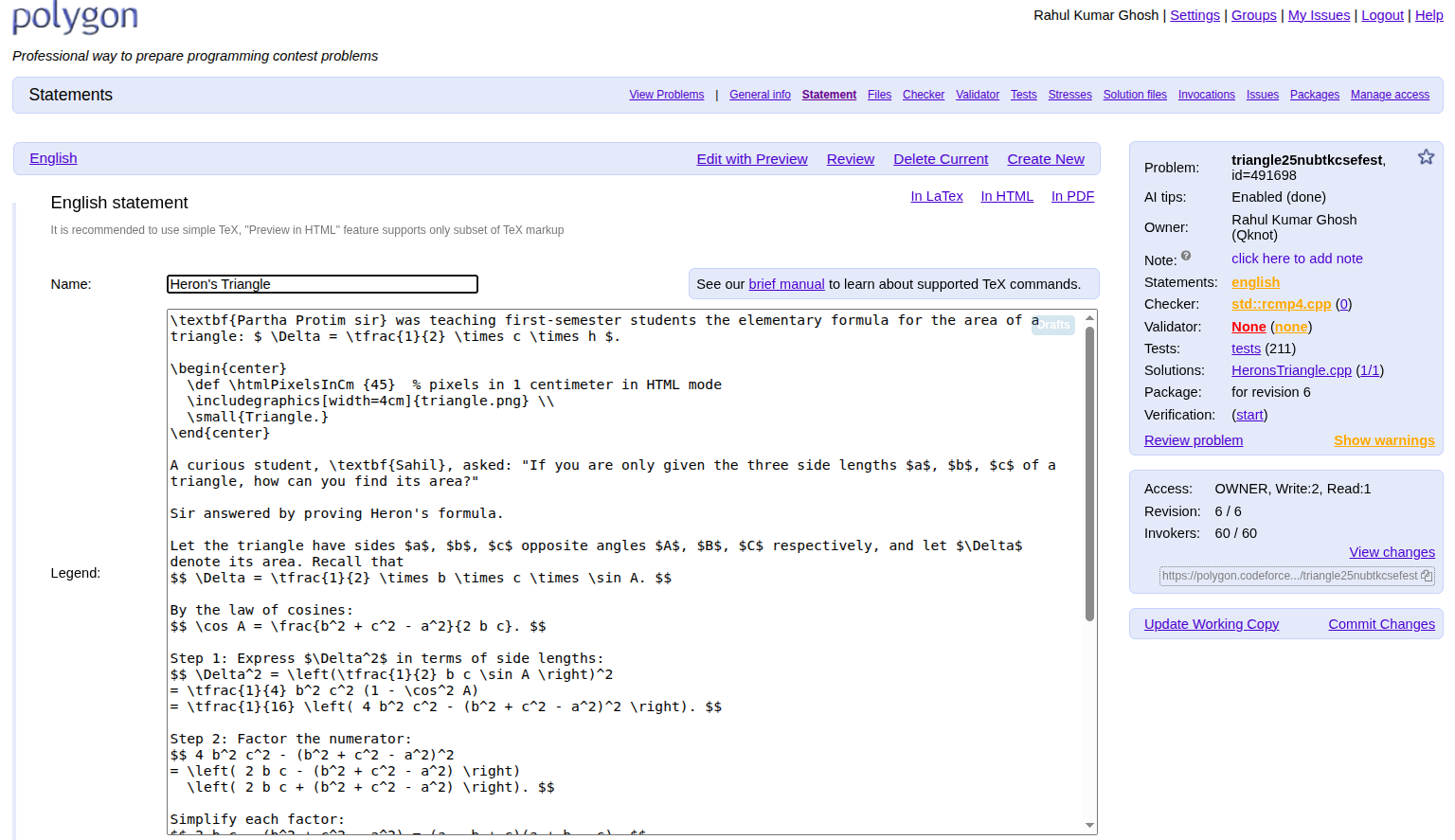
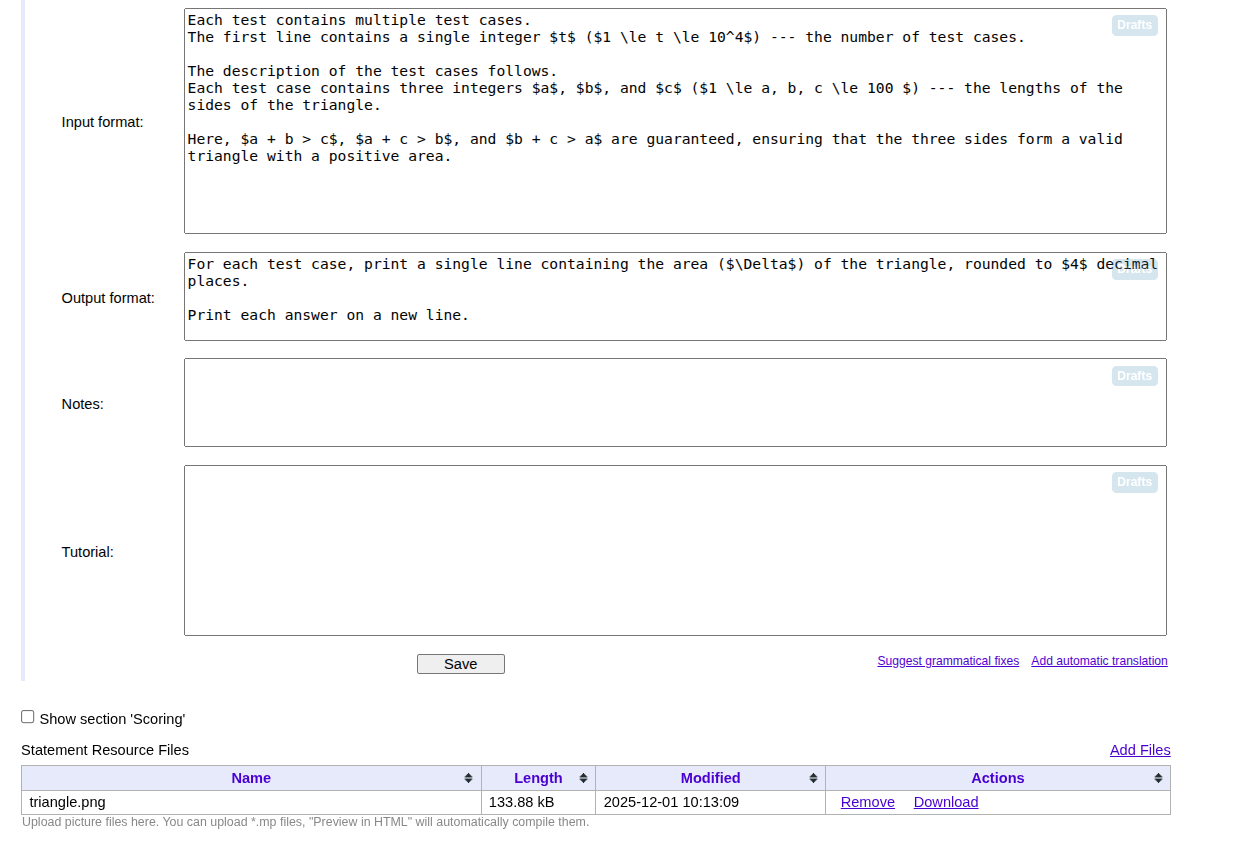
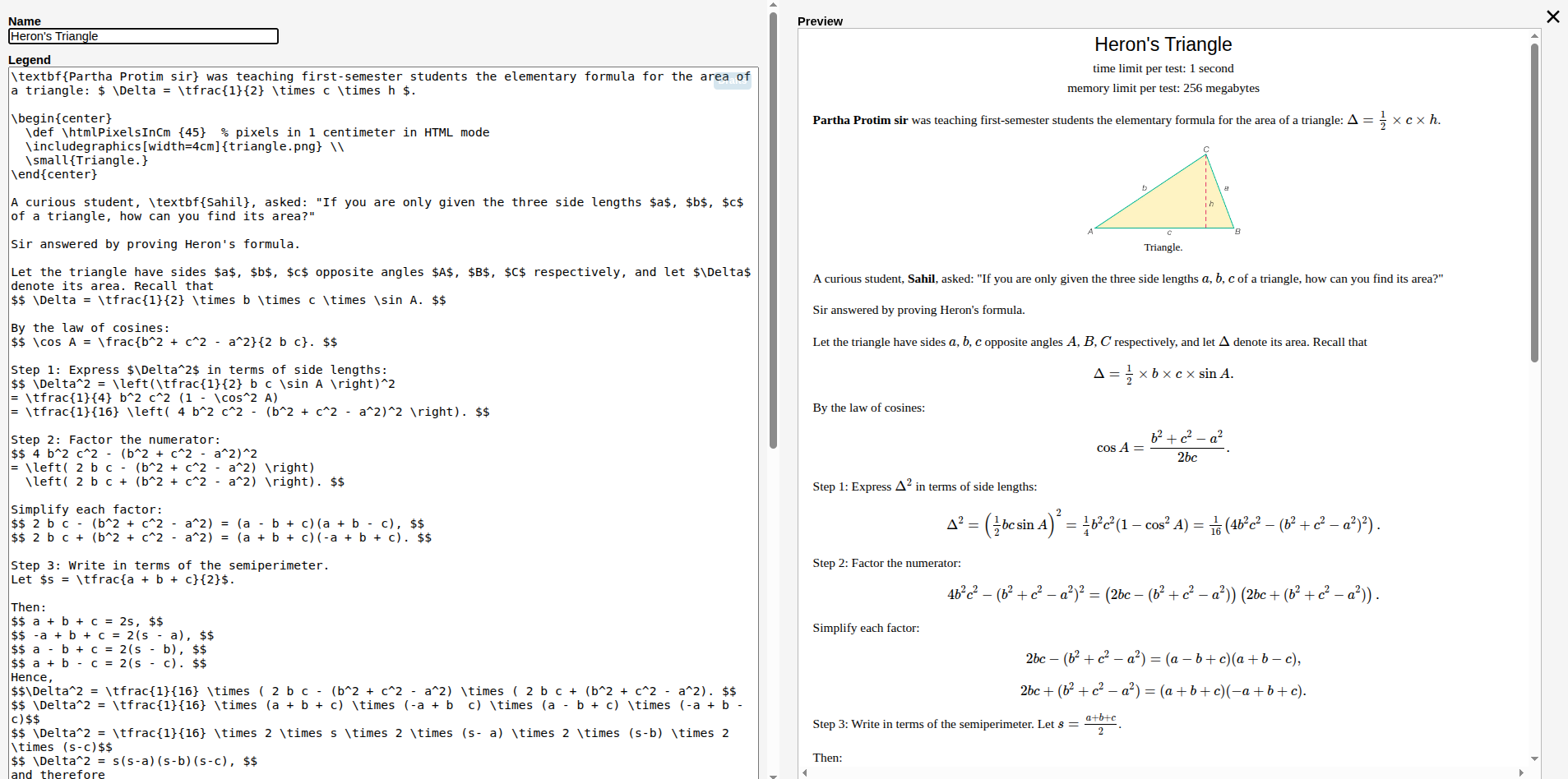
In the Statement section, you define the core of your problem using LaTeX. This includes the Name, Legend, Input format, and Output format. You can also include a Tutorial, and Notes if needed.